Help
Notifications
Choose which notifications you receive, and how you receive them, from the Notifications section on the Profile page.

Notification types
New event - you in?: an attendance request, sent six days before an event you're not yet attending.
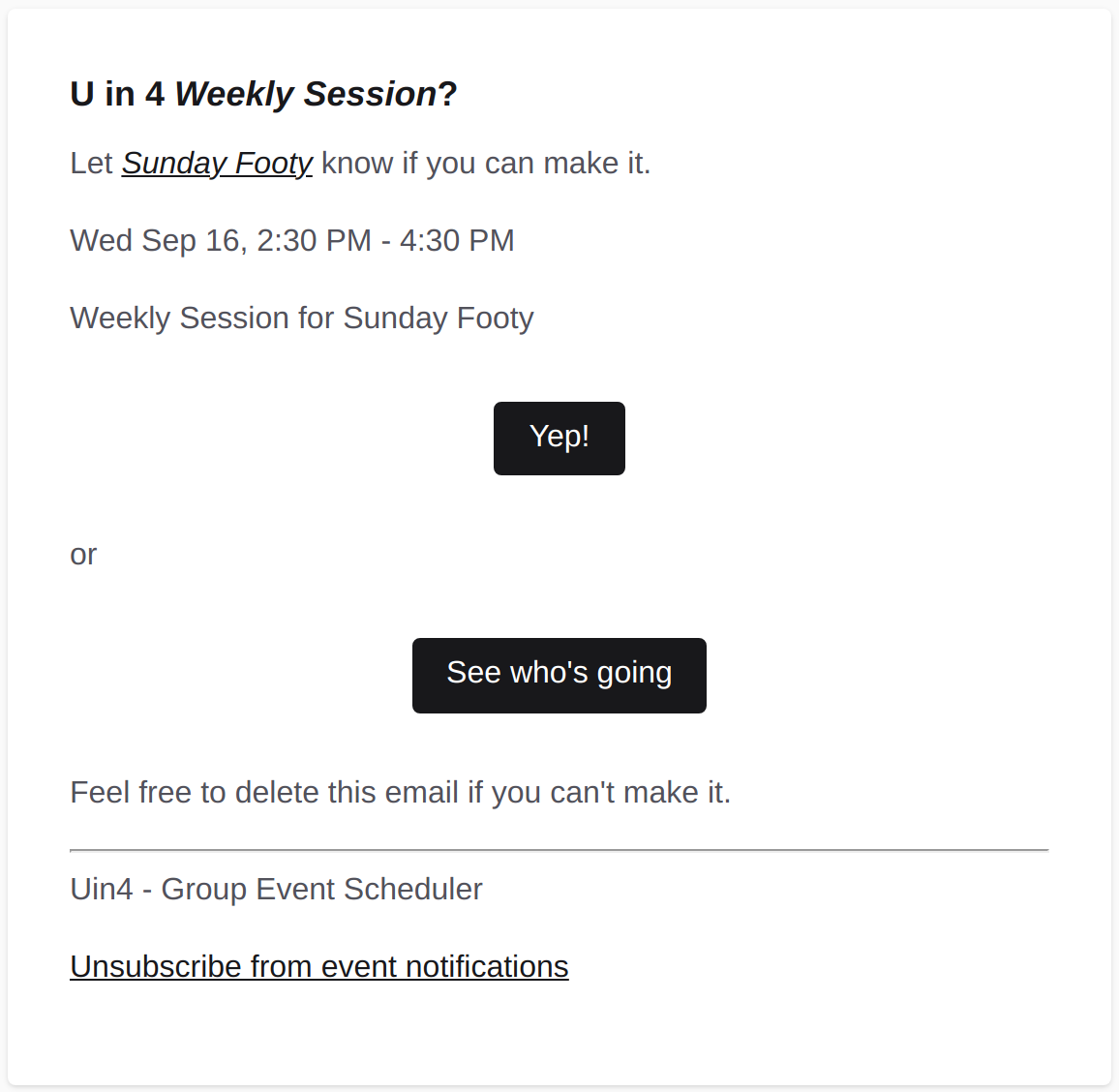
See an example email
New event from the availability grid - you in?: the
same attendance request as above, split out so it can be turned off on its own for
events that came from the grid rather than one an admin set up.
Event cancelled: sent to everyone who'd confirmed or was on the spare list.
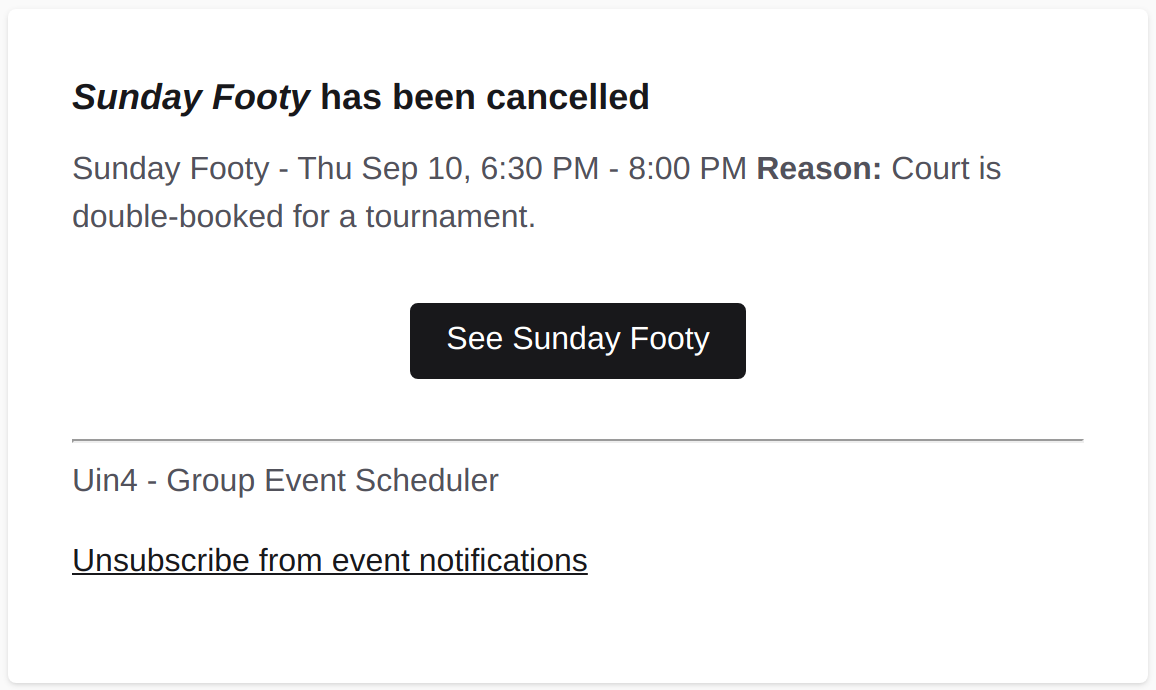
See an example email
Spot opened up on the spare list: sent when a confirmed attendee cancels and you're next in line.
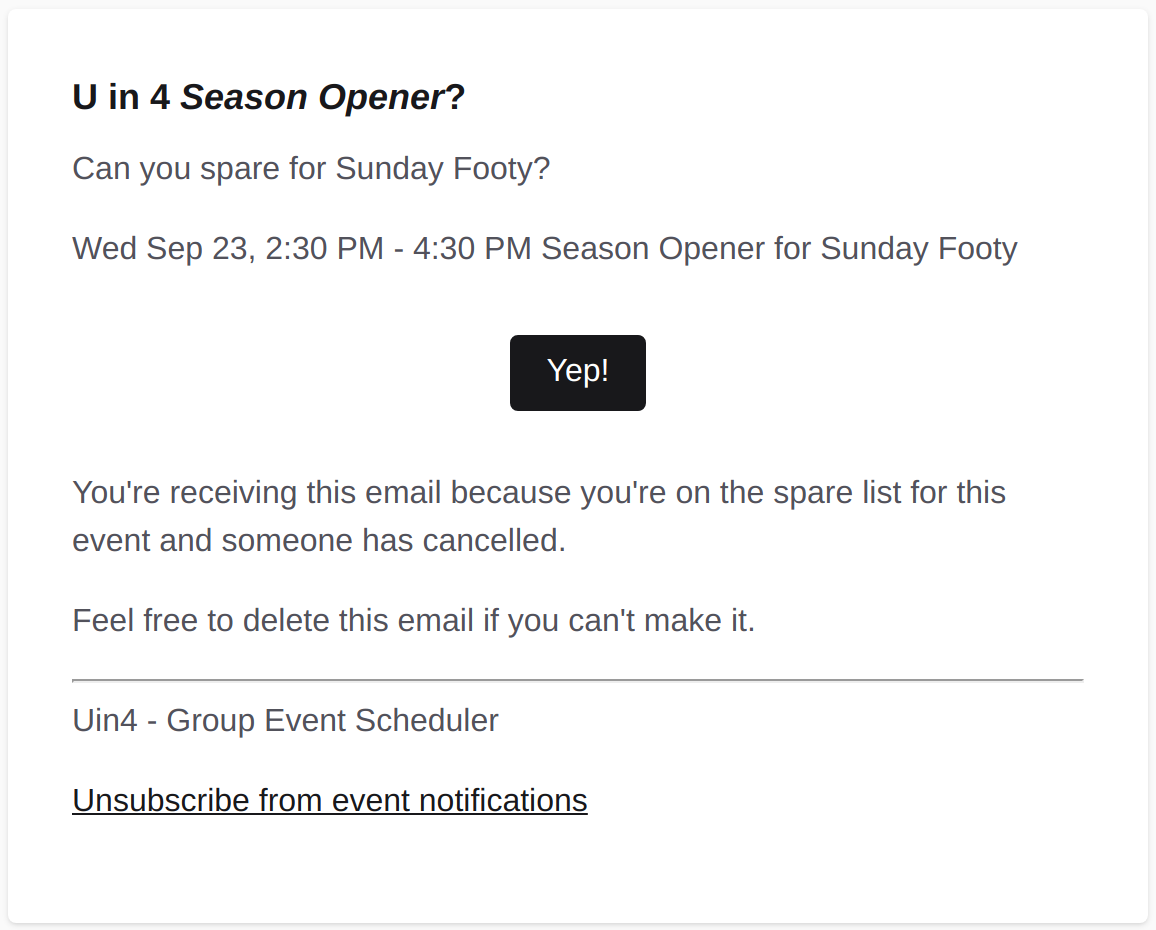
See an example email
Weekly "when are you free?" reminder (opt-in, off by default): See Availability scheduling.
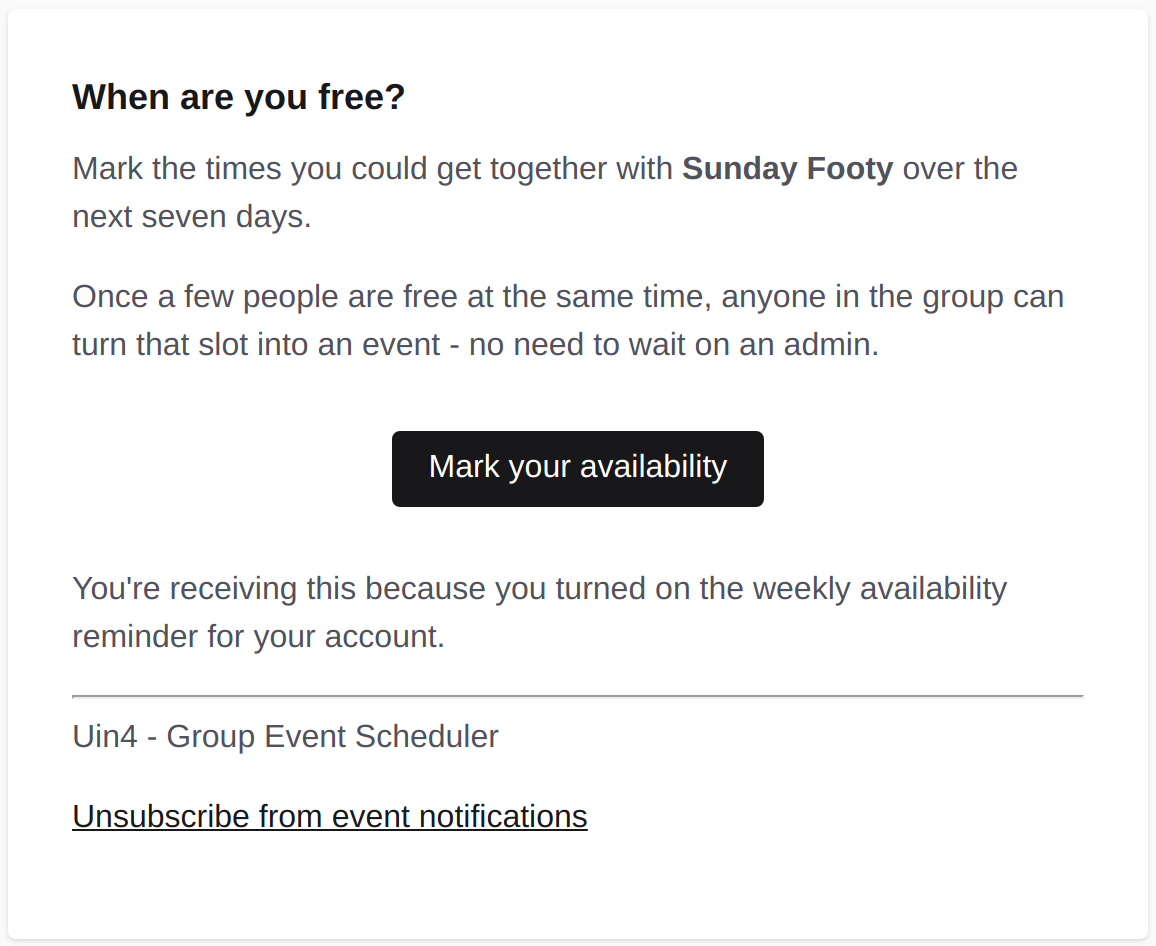
See an example email
Notification methods
Each notification above can go out by email, text message, or a push notification. Tick any combination, per notification, on your Profile page.
Email always available once your account exists.
SMS needs a phone number added and verified on your Profile first.
Push needs enabling on each device you want it on. Look for "Enable on this device" under Notifications. It's per browser and per device, so a phone and a laptop are enabled separately.
Unsubscribing
Every email carries an unsubscribe link that turns that notification off without needing to sign in. Turning them back on needs a visit to your Profile page.